
SMART MANUFACTURING
Work with Facts
Eliminate downtime
Increase profits
DNC Overview & Features
Building upon past DNC innovations, FactoryWiz DNC brings a host of new capabilities as well.
All of your favorite traditional DNC features carry over. Multiple simultaneous file transfers, drip-feed capability, mid-program restart, remote requests, Mazatrol transfers, and more.
Additional support for Ethernet machines means you can use FactoryWiz DNC to transfer to machines acting as FTP Clients, FTP Servers, or Microsoft SMB servers along with RS232. All connections can we wired or wireless.
Full program security. Only send proven programs to the machine and receive programs back to a quarantine area for an engineer’s approval. You can compare sent programs to those returned in the file editor.
We only use non-proprietary hardware, meaning you can purchase any hardware yourselves. For RS232 to Ethernet adaptors we normally use Moxa 5110a for single port wired, Comtrol for multiport device servers or Moxa W2150a for wireless RS232 devices.
Ease of Use
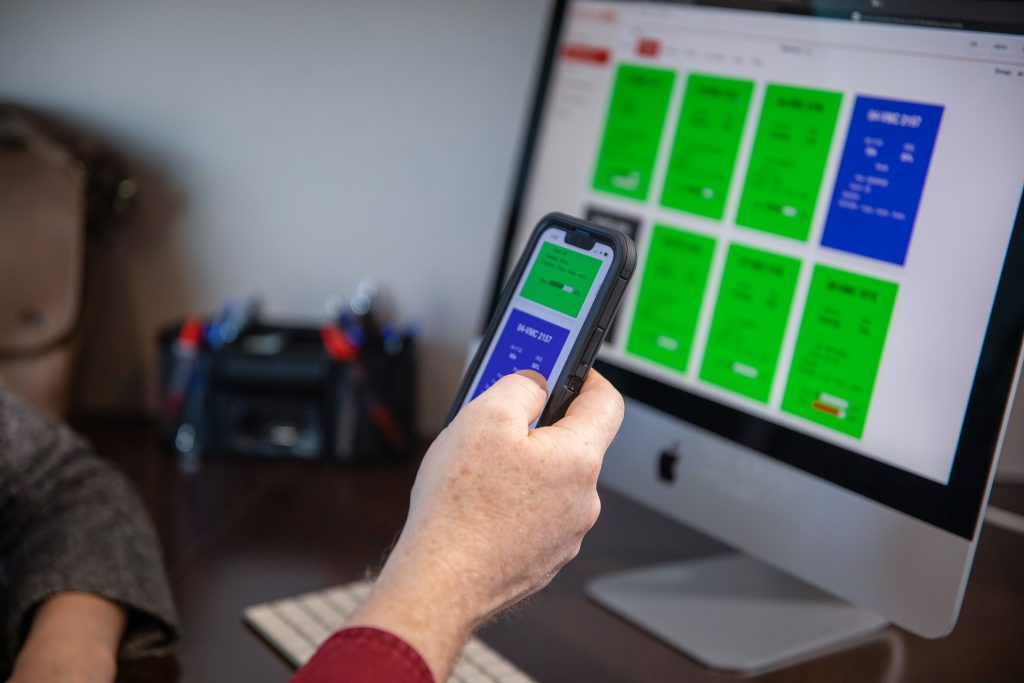
The large, touch-optimized buttons make FactoryWiz DNC easy to use for new operators.
Our DNC client and the Tablet UI is designed to be used on touch screens and tablets. It will still work perfectly well on computers that are not touch screen.
Clearly labeled buttons are color coded to point you to what options are available in your current state. Features you use most will always be clearly visible.
Use remote requests (runner programs) on the CNC to request files stored on the server.
File Management
The structure of FactoryWiz DNC separates message and configuration directories.
Send and receive programs to and from different folders:
- Only send approved programs to the machines.
- Receive programs back to a quarantine area for supervisor / engineer approval.
- Revision numbers for programs returned multiple times.
Easily find programs with the windows explorer style system and search functionality.

Operator Tablet UI
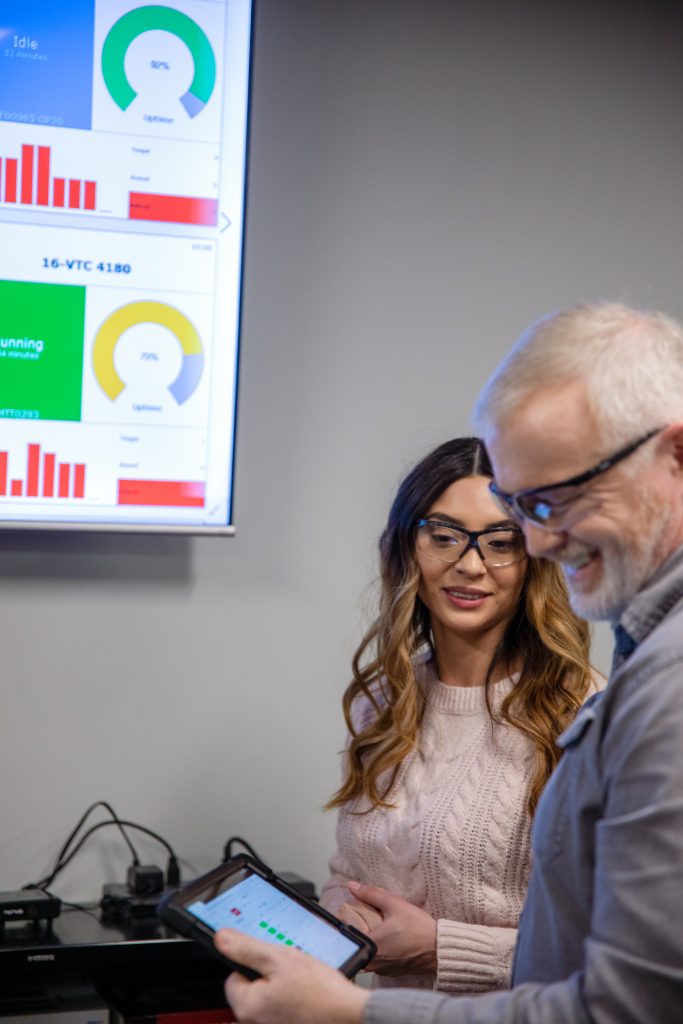
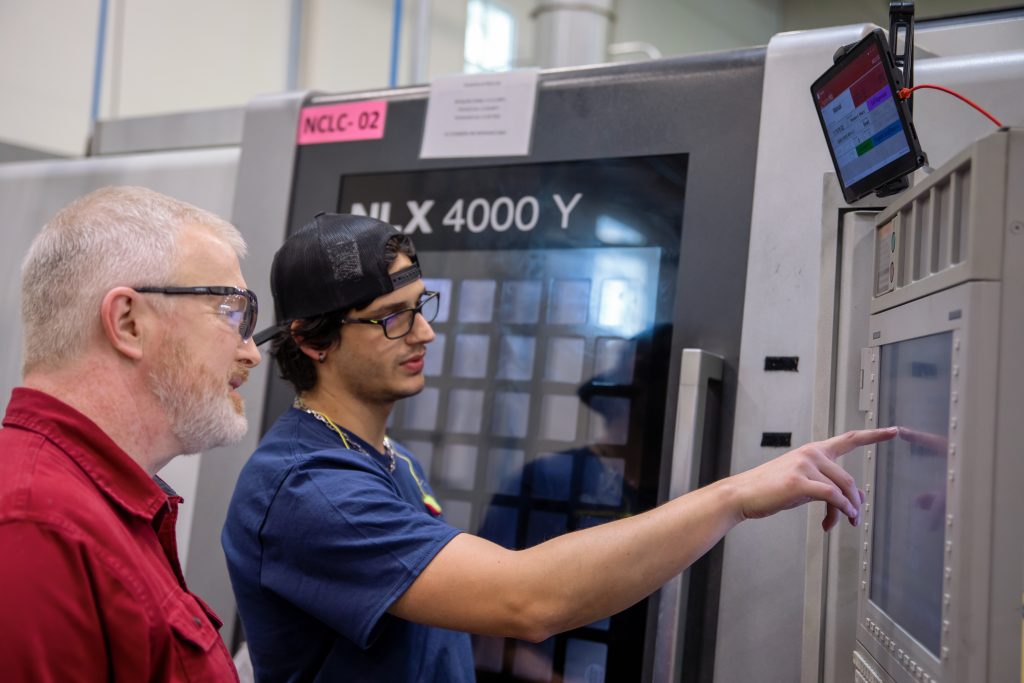
Send programs to the machine from mobile devices or tablets mounted to the machine.
Never have to leave the machine for programs again!!!
With a tablet (android / apple / windows) securely attached to the machine, the operator can select the program they want and quickly send it to the machine. They are able to read the program before sending it.
Click here to see it in action.
CNC Program Editor
Quickly compare programs received to those sent. Easy to use file editor.
Overview of editor features:
- Edit CNC programs specifically designed for G-Code.
- Powerful side-by-side file compare features.
- Coordinate transformations – translation, rotation, scaling, and mirroring.
- Extract Program File – Separate by O number, split a file into multiple files.
- Sequence number maintenance – renumber, re-sequence, N-blocks.
- Several calculators designed for CNC programmers.
- File analysis – Min/max values, cycle times, and more.
- Powerful search capability offering saved searches, find and replace.
- Great performance when editing large files.
- Content based syntax coloring and font highlighting.
- “View-only” mode prevents changing files.
- File locking improves integrity over a network.
- Customizable toolbars, colors, fonts, and other items.
Restart Drip-Feed from Tool Breakage
Restart the Drip Feed from the line of the program the machine stopped on. No air cutting.
When drip-feeding a program for the CNC, if the tool were to break half way through a cycle, don’t waste time cutting air by having to start from the beginning, restart the drip-feed on that tool.
=Time saver!