
SMART MANUFACTURING
Work with Facts
Eliminate downtime
Increase profits
FactoryWiz Machine Monitoring and Data Collection Overview
Better data
= better decision making!
FactoryWiz is designed to empower the user with better, more accurate machine data. It allows the user to work with facts and not opinions.
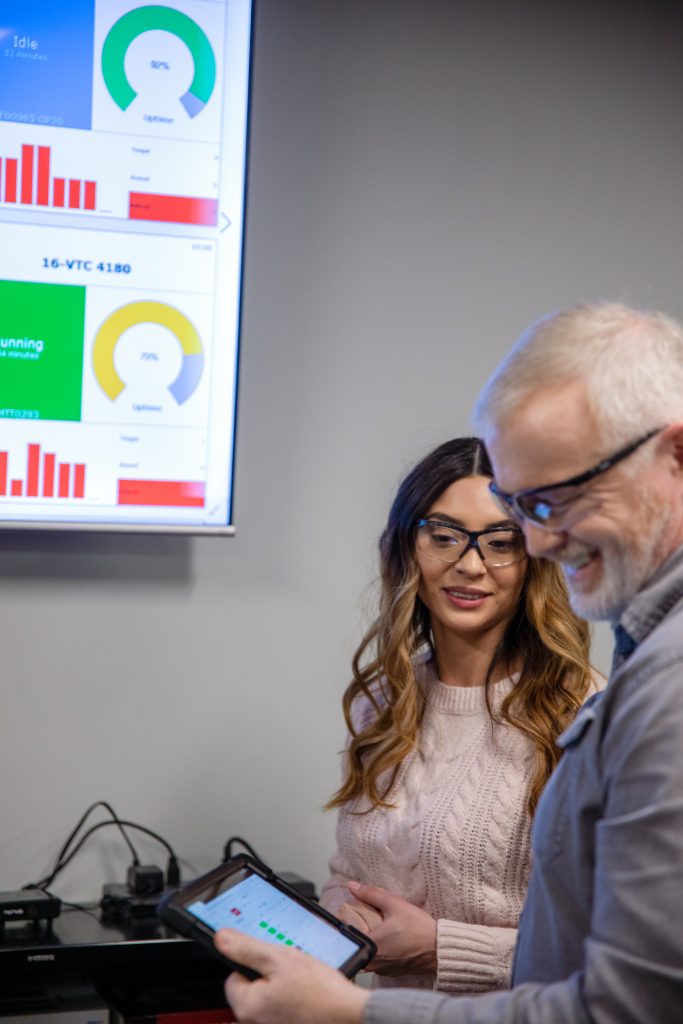
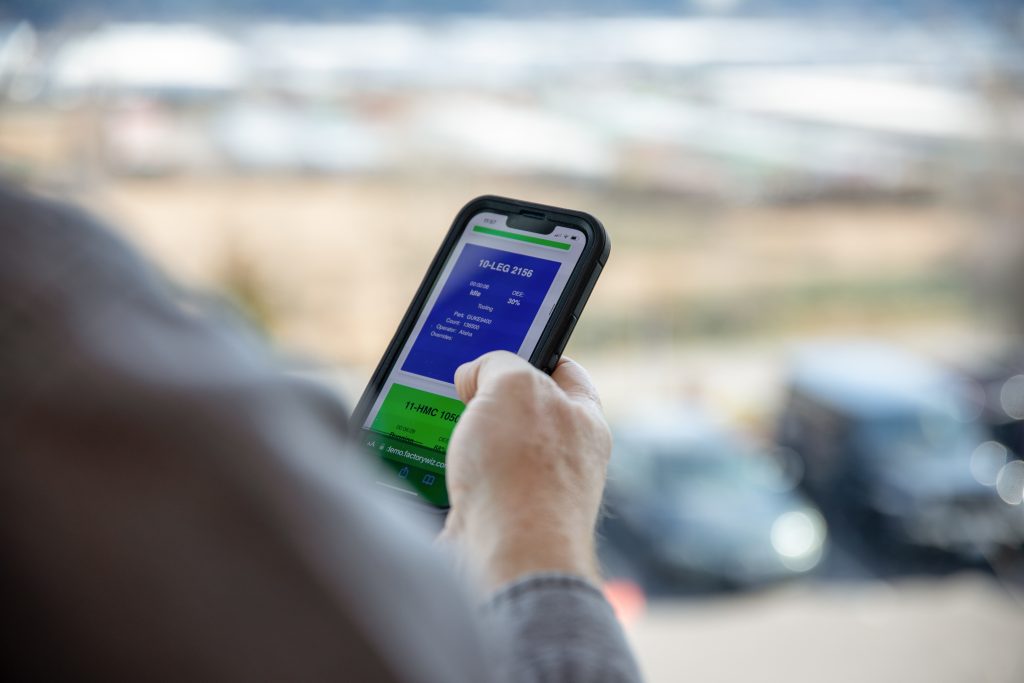
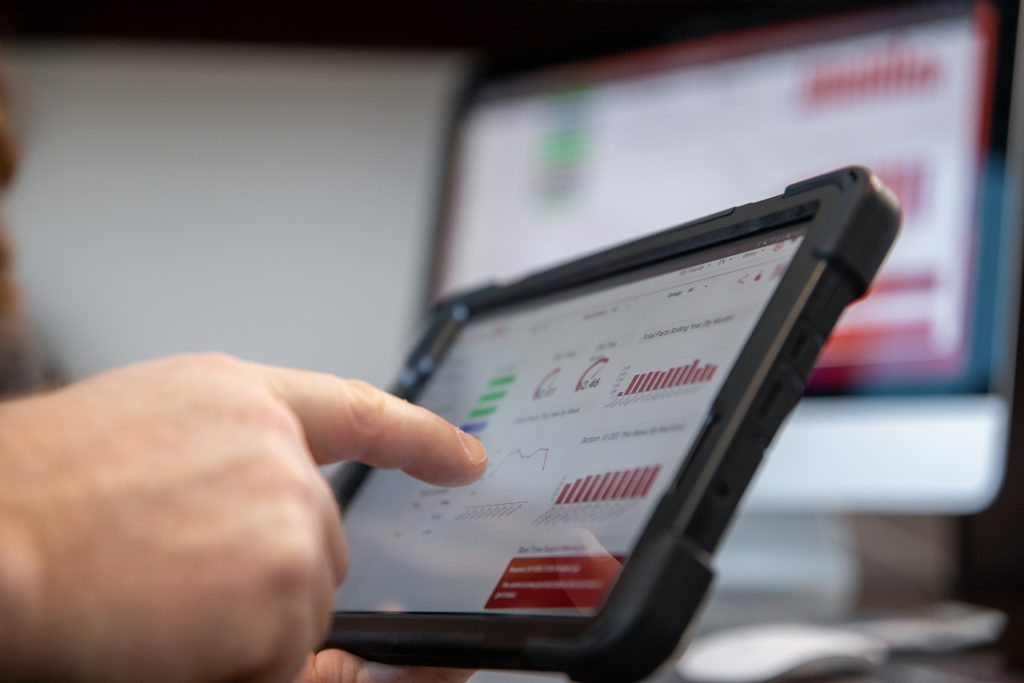
You login to the system using any browser on PC, Tablet or Smart Phone. There is no limit to the number of people who can login, we do not limit this. From there you can browser real time machine data, historical reports, drill down analytics and large dashboards.
FactoryWiz can send you email and text notifications for various events. It can also email you daily / weekly reports.
FactoryWiz is an open and flexible system. It can import and export data to other systems such as an ERP system. For the techies, there is a full .Net and SOAP API or you can go direct to the database with an ODBC connector.
Real Time Data
Visual Manufacturing
= Smart Manufacturing
FactoryWiz can stream a whole host of data from your machines. What data, depends on the machine / control type, so check out the Machine Connections page to find out more.
Information that FactoryWiz can get automatically, with no human input:
- Machine Status (running / idle / alarm / turned off)
- Alarm Messages
- Active Program
- Part Counter
- Feed Override Dials
- Cycle Time
All of the information above is then stored into the database. All time stamping is done by the machine.
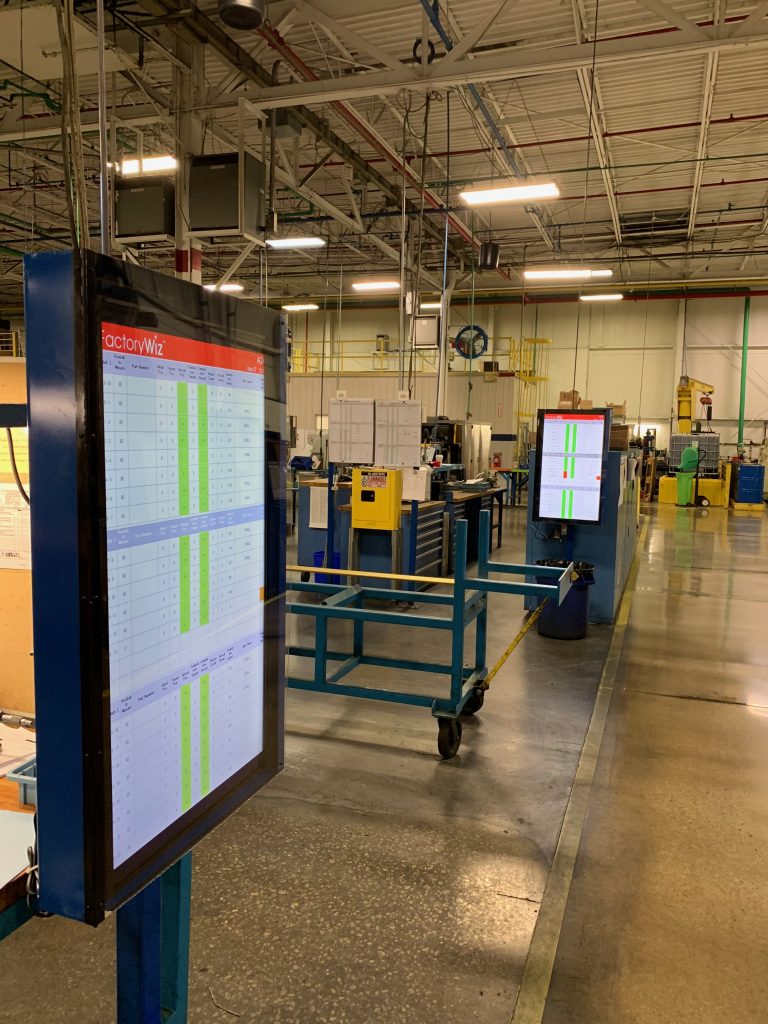
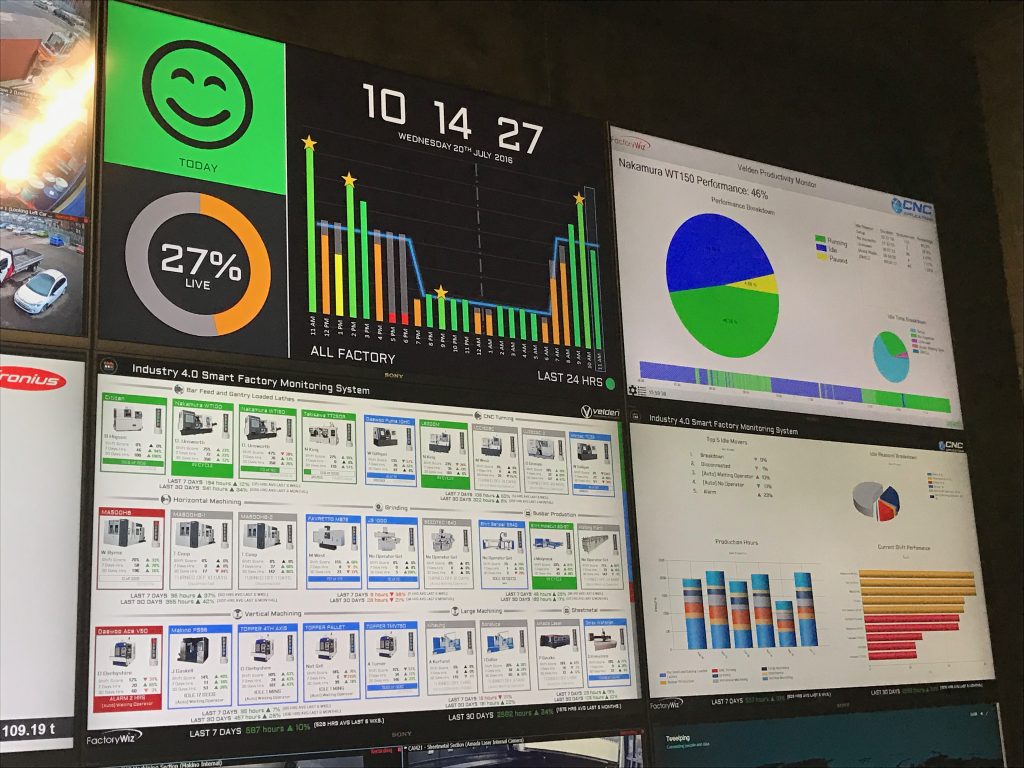
We always promote our customers to put up large dashboard displays. Whether it’s one 50″ screen or 9 screens combined to create a data wall. Visual performance graphics and digital manufacturing often yield the most success for our customers.
There is no limit to the number of dashboards you can install.
Operator Tablet Input
Why is my machine idle?
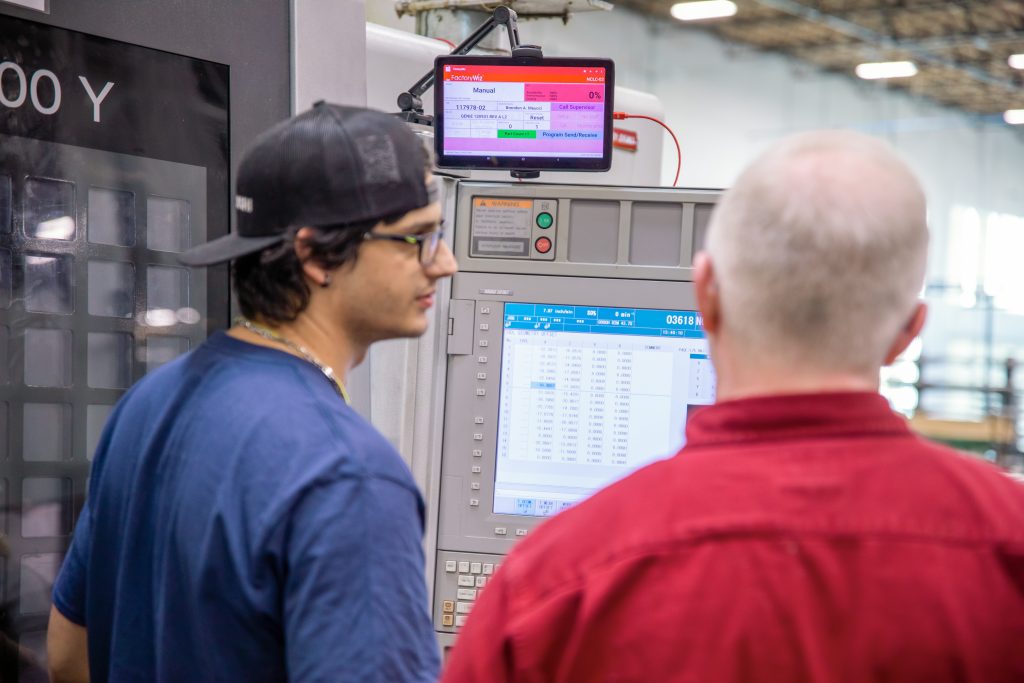
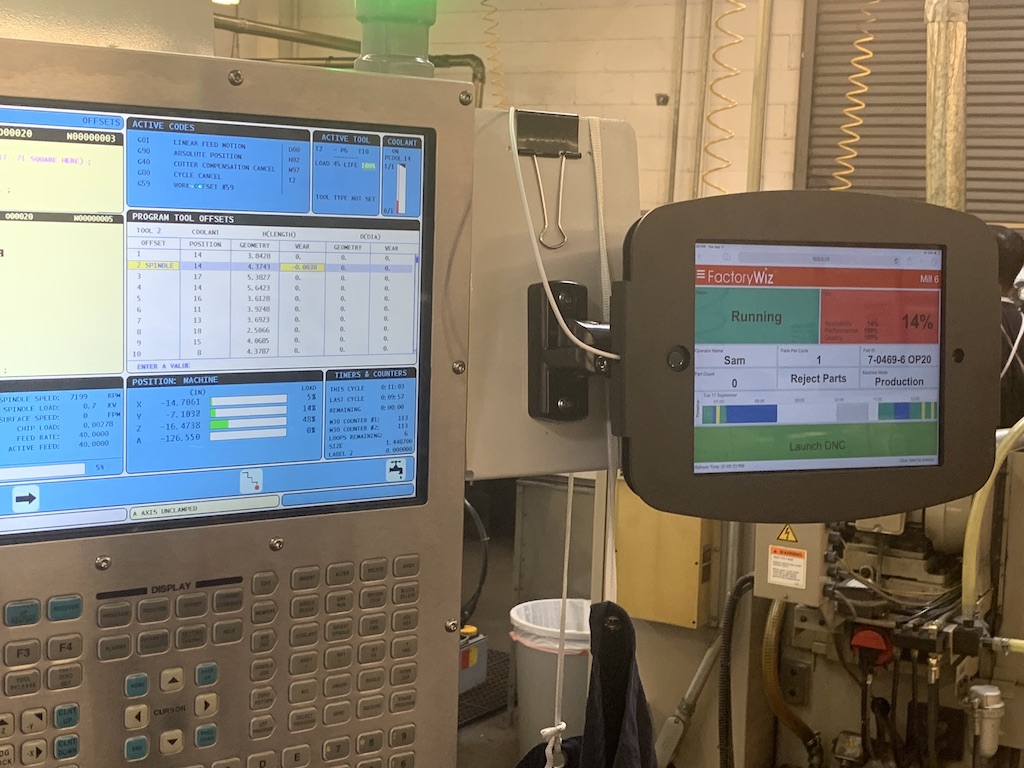
Have the operator use their tablet attached to their machine to let you know why their machine isn’t running.
From the tablet the operator can:
- What job they are running (you can take this from the ERP).
- Sign onto the system to let you know who’s running the machine.
- Why the machine is idle.
- Is the machine in Production or Setup.
- View their machines performance metrics.
- Send programs to the machine using the DNC interface.
In short, the tablet is used to capture the data neither you, your ERP or the machine know.
API and ERP Integration
FactoryWiz is an open system, which means it can communicate with various other systems such as an ERP system.
Data access methods available to all customers:
- .Net API in the form of a DLL.
- Web based SOAP XML API.
- ODBC – Great for connecting to Power BI, Excel and Access.
- Direct communication with the FW Database.
How does it work?
Typically we have a service watching a unique ID for the live job, for example a Works Order Number and Operation number. When the operator clocks onto the new job on either the ERP or FactoryWiz, this is the trigger to pass whatever data we want between the two systems.
Can FactoryWiz communicate with my ERP System?
Yes! FactoryWiz can communicate with any ERP System providing the ERP System can also communicate with other systems. In this day and age almost all ERP systems have a way of communicating.
How is FactoryWiz licensed?
It’s a perpetual license, meaning you only pay once. Soft asset finance options are available to spread costs where required.
When your licenses are paid for, they are yours for life, at the level you have purchased (End-Users must back these up to safeguard them).
For peace of mind, we offer very attractive Maintenance Support Package’s (MSP) to safeguard your licenses and virtual servers. These ensure you always have the newest software version and a fully backed-up system, with phone and remote support.
What is licensed?
We license by machine, one machine equals one license. These are flexible so if you swap out an old machine for a new machine, you yourself can swap the license in the system. There is no limit to the number of people able to access the system, nor is there a limit to the number of dashboards on display.